Jobber vs Housecall Pro
Jobber vs Housecall Pro, for a water treatment dealer
Both are good field-service products, and plenty of water dealers run on one of them. They put the things a dealer needs on different plans, so which one costs less depends on how many people you have and what you sell. Here are both, plan by plan, with the prices their own pricing pages showed on 5 November 2026. We make Cevora, a CRM for water dealers, so you will also find it as a third column – read the first two columns either way.
The short answer
Jobber, if you are small and sell installs
One to six people, mostly one-off installs and repairs, and you want the simplest app. Core is $49 a month for one person; Connect adds QuickBooks Online, automatic payments and Zapier; two-way texting starts on Grow at $199 for one user. Jobber’s quote-to-job flow is excellent.
Housecall Pro, if you sell maintenance plans with a team of seven to nine
Texting is on every plan, Essentials adds commissions and QuickBooks Online, and Max – $329 a month with eight users included – adds recurring service plans and sales proposals. That is where Max costs less than Jobber Grow, and its marketing is broader.
Neither, if rentals and filter plans are the business
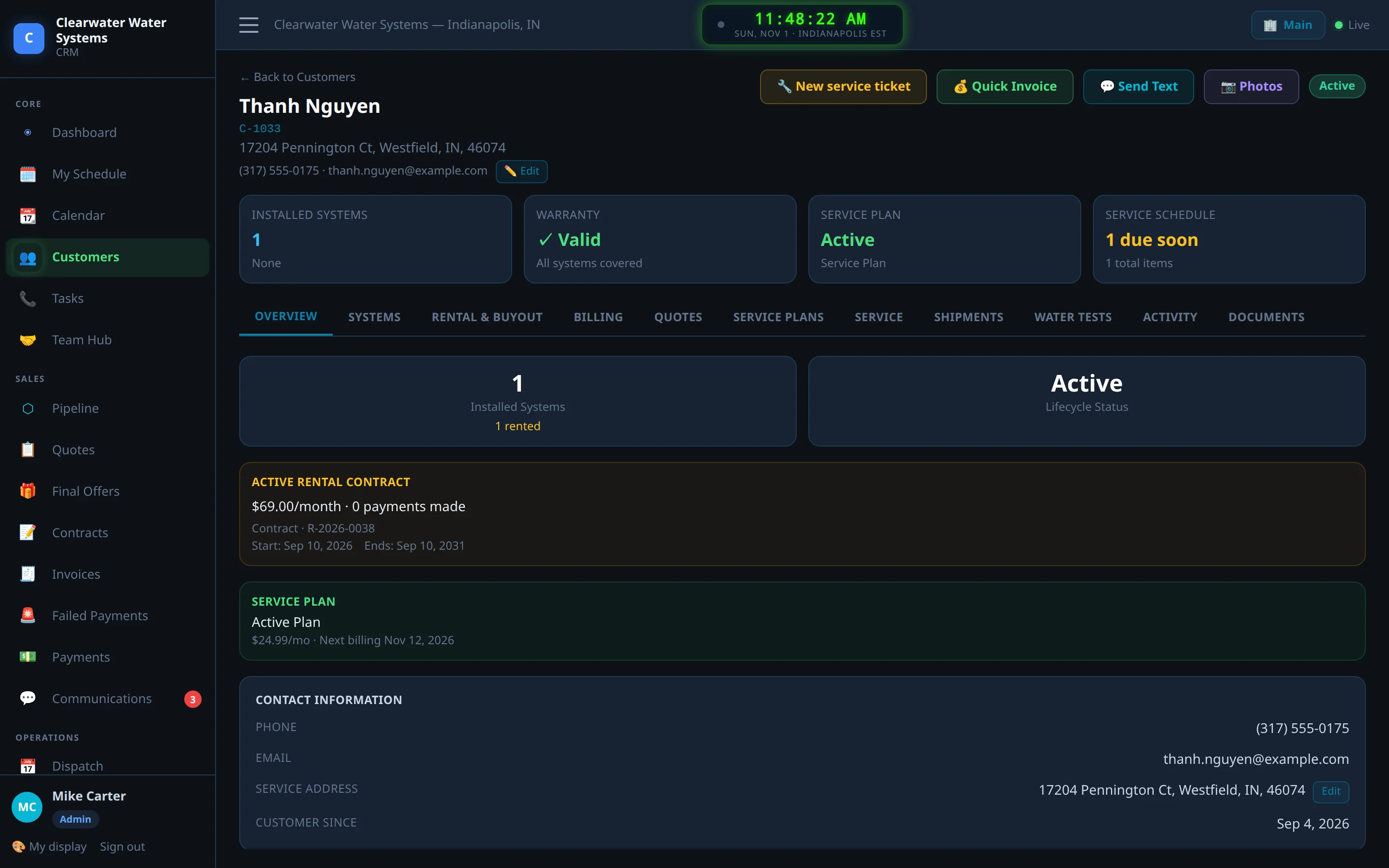
A softener rental billed for five years with a buyout, a plan that books its own filter visits, a water test that follows the lead onto the quote, commission tied to the discount a rep gave. Both can be bent into that with recurring jobs, custom fields and a spreadsheet. Cevora was built for it.
Jobber vs Housecall Pro pricing, plan by plan
Monthly billing with no commitment, as each vendor’s pricing page showed it on 5 November 2026. Both charge less on a yearly commitment.
| Plan | Jobber | Housecall Pro |
|---|---|---|
| Entry plan | Core: $49 / mo, 1 user. Online booking, quotes, invoices and online payments, reporting, the app marketplace | Basic: $79 / mo, 1 user. Online booking, scheduling and dispatch, estimates and invoices, payments and financing, price book, review management |
| Second plan | Connect: $139 / mo for 1 user, $199 for 5, $299 for 10, $399 for 15. Adds automated reminders and quote and invoice follow-ups, automatic payments, checklists, QuickBooks Online, time and expenses, Zapier | Essentials: $189 / mo, 5 users. Adds routes, flat-rate pricing, checklist automations, photo reports, employee GPS, commissions by item, service or job type, QuickBooks Online |
| Third plan | Grow: $199 / mo for 1 user, $299 for 5, $399 for 10, $499 for 15. Adds two-way texting, job costing, optional line items and images on quotes, custom automations | Max: $329 / mo, 8 users. Adds recurring service plans, the sales proposal tool, route optimization, Zapier and the open API, a dedicated onboarding specialist |
| Top plan | Plus: $499 / mo for 5 users, $599 for 10, $699 for 15, through sales. Adds crew scheduling, custom reports, Pipeline, the Marketing Suite and the AI Receptionist | Max is the top published plan |
| Extra users | $29 a user, on every plan | $35 a user on Max |
| Paid yearly | Up to 25% less – Grow for five users is $229 a month | Basic $59, Essentials $149, Max $299 a month |
| Add-ons | Marketing Suite $99, Pipeline $49, AI Receptionist $29 a month (all three included on Plus) | Vehicle GPS tracking $20 per vehicle a month |
| Card payments | Jobber Payments; the rate is not on the pricing page | As low as 2.59%; bank payments 1% |
| Free trial | 14 days on Grow, no card | 14 days on Max, no card |
Prices and plan contents from getjobber.com/pricing and housecallpro.com/pricing on 5 November 2026; Housecall Pro texting is on every plan once your texting number is registered (its help center); Jobber’s Zapier plans from its Zapier page. They change; check both.
What a water dealer pays on each, by team size
A dealer texts customers and sells service plans. On Jobber two-way texting starts on Grow; on Housecall Pro service plans are on Max. Here is each of those plans at the cheapest mix of plan and extra users, with Cevora beside them.
| Team size | Jobber Grow | Housecall Pro Max | Cevora |
|---|---|---|---|
| 1 user | $199 / mo | $329 / mo | $149 / mo |
| 3 users | $257 / mo | $329 / mo | $149 / mo |
| 5 users | $299 / mo | $329 / mo | $199 / mo |
| 8 users | $386 / mo | $329 / mo | $274 / mo |
| 10 users | $399 / mo | $399 / mo | $324 / mo |
| 15 users | $499 / mo | $574 / mo | $449 / mo |
| 20 users | $644 / mo | $749 / mo | $574 / mo |
Between the two: Jobber Grow costs less up to six users, Housecall Pro Max from seven to nine (its eight users are included), they cost the same at ten, and Jobber is cheaper again above that. If you do not sell service plans, Housecall Pro Essentials – $189 for five users, texting included – is the cheapest of the three ways to text customers with a team of five.
Monthly billing, as of 5 November 2026. Jobber Grow: $199 for one user, $299 for five, $399 for ten or $499 for fifteen, plus $29 for each user beyond the plan. Housecall Pro Max: $329 for eight users, then $35 a user. Cevora: Starter $149 (3 users), Growth $299 (8), Multi-location $499 (15), $25 per extra user, every feature on every plan, month to month (our pricing page).
Feature by feature, for a water dealer
The rows are the things a water dealer does every week, not a general feature list.
| The thing you do | Jobber | Housecall Pro | Cevora |
|---|---|---|---|
| Text customers, both ways | From Grow | Every plan, once your texting number is registered | Every plan, from your own OpenPhone number; STOP and Do Not Disturb honoured on every text |
| Sell a service plan with two filter visits a year | Recurring jobs with scheduled visits, billed on a schedule with automatic payments from Connect | Recurring service plans on Max | Every plan; the plan puts its own visits on the Service Due board and the filters follow the system |
| Rent a softener for $59 a month with a buyout | A recurring job with automatic payments; the buyout figure lives in a spreadsheet | A service plan on Max can bill monthly; the buyout lives in a spreadsheet | A rental contract: autopay, the buyout always current, pause without back-billing, a contract change on re-sign |
| Know when every installed system is due | Custom fields on the client or property | Property Profile: make, model and install date per item, attachable to a service plan | Each system carries its filters, interval, serial number and warranty; reminders go out two weeks ahead |
| Record the water test | Custom fields you set up | Checklists and fields you set up | Hardness, iron, TDS and the concern on the lead, carried onto the quote and the install |
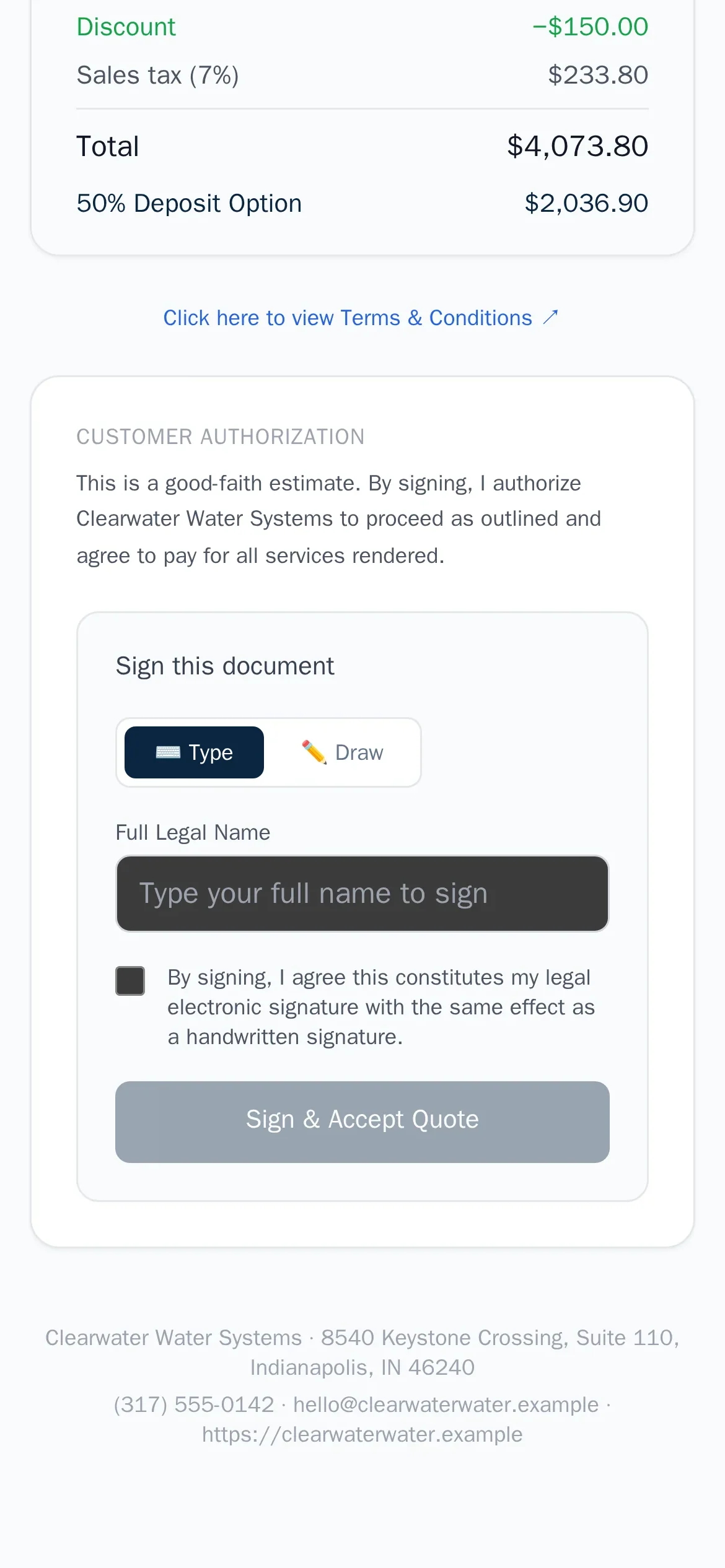
| Quote with options | Optional line items and images on quotes, from Grow | Quotes on every plan; side-by-side sales proposals on Max | Purchase, rental or financed from one catalogue, signed on the customer’s phone |
| Pay reps commission | Reports hours and jobs per employee; a discount-tiered commission means a spreadsheet | Rates by item, service or job type, from Essentials | Tiers by the discount the rep gave – hold the price, earn more; statements per rep |
| QuickBooks Online | From Connect | From Essentials | Not yet – keep QuickBooks beside it |
| Zapier and an API | Zapier on Connect, Grow and Plus | Zapier and the open API on Max | Webhooks for Zapier and Make, and an API, on every plan |
| Marketing | Marketing Suite, $99 a month on top (included on Plus) | Review requests on every plan; email and postcard campaigns | A review request after the install and a referral ask 30 days later; no postcards |
| Free trial | 14 days on Grow, no card | 14 days on Max, no card | 14 days, every feature, no card |
The Jobber and Housecall Pro columns describe each product as its public pages and help center presented it on 5 November 2026. Features and plans change; check getjobber.com and housecallpro.com for the current picture.
Where both fall short for a water dealer
Both were built for a job that is booked, done and invoiced. A water dealer’s customer pays every month for years, and four things follow from that.
The rental is a contract, not a recurring invoice
It has a term, a buyout that drops every month, a pause when the customer asks, and a new contract when they upgrade. In both products that lives in a spreadsheet next to the recurring charge.
The plan should book its own filter visits
Two visits a year, the right cartridges for the system in that house, a reminder before the water tastes off. Both can schedule recurring visits; neither knows what the visit needs.
The water test is part of the sale
Hardness, iron and TDS decide the system you quote. In both products they are custom fields that stop at the lead.
Commission follows the discount
A rep who holds the price should earn the higher rate. Housecall Pro pays by item or job type; Jobber leaves it to you. Either way it is a spreadsheet at the end of the month.
Questions dealers ask about Jobber and Housecall Pro
Is Jobber or Housecall Pro cheaper? For one person, Jobber Core at $49 against Housecall Pro Basic at $79. For a dealer who texts customers and sells plans – Jobber Grow against Housecall Pro Max – Jobber costs less up to six users, Housecall Pro from seven to nine, they tie at ten ($399 each) and Jobber is cheaper again above that. Both are cheaper paid yearly.
Which one has two-way texting? Housecall Pro on every plan, once you register a texting number. Jobber from Grow, its third plan.
Which one handles service agreements? Housecall Pro has recurring service plans on Max, and its Property Profile lets you attach a piece of equipment to a plan. Jobber has recurring jobs with scheduled visits and automatic payments from Connect. In both, the plan does not know which filters a visit needs.
Which one syncs with QuickBooks? Both sync with QuickBooks Online: Jobber from Connect, Housecall Pro from Essentials. Cevora does not yet – you keep QuickBooks beside it.
Can I move from Jobber or Housecall Pro to Cevora? Export your customers to a spreadsheet and send it to us. During the trial we load customers, installed systems and rental and plan dates, so the Service Due board is full on day one. Keep the old system running until you are sure.
Who wrote this page? Cevora – we make a CRM for water treatment dealers, so read our column with that in mind. Every Jobber and Housecall Pro price and plan above is from their own pages on 5 November 2026, linked. If one is out of date, tell us on the demo page and we will fix it.
Also read: Cevora vs Jobber, Cevora vs Housecall Pro, Cevora vs ServiceTitan and the full comparison.
Choosing between the two? Try the third.
Fourteen days free, every feature, no card. Load a few real customers and run a week of rentals, plans and installs through Cevora next to whichever one you are trying.